@xds/theme-matcha0.0.13
1. Install the theme
bash
2. Import the built theme
typescript
3. Wrap your app
tsx
Little joys,
everywhere you goWe believe the smallest details are the ones that matter most. Turn an ordinary day into something worth remembering.
everywhere you goWe believe the smallest details are the ones that matter most. Turn an ordinary day into something worth remembering.
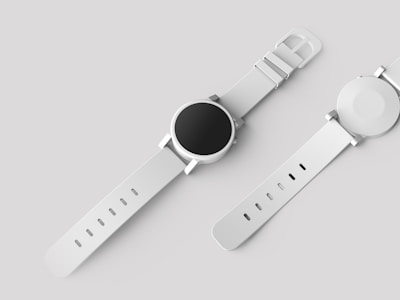
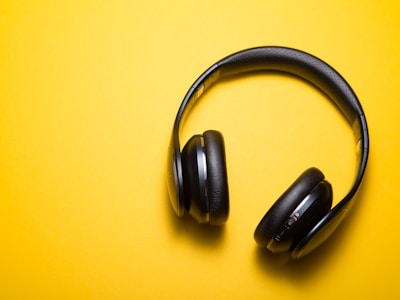

| Name | Description | Price | Stock |
|---|---|---|---|
| Minimalist Watch | Stainless steel, sapphire crystal | $189 | 42 |
| Wireless Headphones | ANC, 30hr battery | $249 | 128 |
| Leather Wallet | Full-grain, RFID blocking | $79 | 15 |
| Canvas Backpack | Water-resistant, 25L | $119 | 63 |
Earthy green theme with Figtree typography. Uses Lucide icons.
Install
bash
Usage
Wrap your app with XDSTheme and pass the theme:
tsx
Import paths
| Path | Use case |
|---|---|
@xds/theme-matcha | Source build (StyleX compilation via @xds/build) |
@xds/theme-matcha/built | Pre-built dist (Tailwind, plain CSS, or no build step) |
@xds/theme-matcha/theme.css | Pre-built CSS file (import in your stylesheet) |
If you're using @xds/build for StyleX source compilation, import from the bare path. Otherwise, use /built.
CSS import
Add the theme CSS to your stylesheet:
css
Fonts
This theme uses custom typefaces:
| Role | Font |
|---|---|
| Body | DM Sans |
| Heading | Playwrite US Trad |
| Code | JetBrains Mono |
These fonts must be loaded separately. The theme references them by name but does not bundle the font files.
Add this to your HTML <head>:
html
Without this, the theme falls back to system fonts.